How do I change my Rust world seed and size?
Quick Links
Section titled “Quick Links”Rust allows you to customize the seed for your world and also the size. Here’s how you can do that.
The larger your world, the more RAM your server will use. If you change your world size and your server begins crashing shortly after it starts, it may be running out of RAM.
Changing your Rust world seed and world size
Section titled “Changing your Rust world seed and world size”Using Blacksmith’s Portal
Section titled “Using Blacksmith’s Portal”Changing the world size
Section titled “Changing the world size”- Open the Blacksmith’s Portal
- Go to
Startup - Locate
World Size - Change it to your desired size
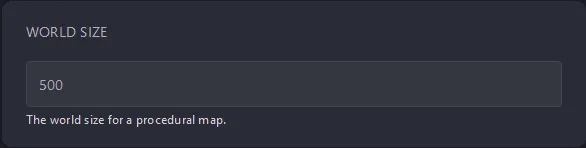
- Restart your server
Changing the world seed
Section titled “Changing the world seed”- Open the Blacksmith’s Portal
- Go to
Startup - Locate
World Seed - Change it to your desired world seed
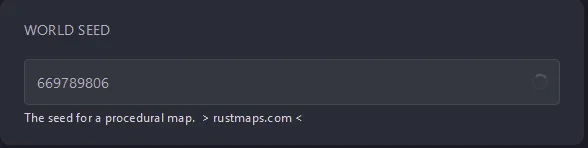
- Restart your server
Self-Hosting/Other Providers
Section titled “Self-Hosting/Other Providers”Changing world size
Section titled “Changing world size”- Locate where your server is installed
- Find the startup script and open it and edit it
- Add
+server.worldsize <worldsize>to the end of the command - Save the file
- Restart your server
Changing world seed
Section titled “Changing world seed”- Locate where your server is installed
- Find the startup script and open it and edit it
- Add
+server.seed <seed>to the end of the command - Save the file
- Restart your server
Closing
Section titled “Closing”Changing the world size and seed is essential if you want to play on a specific type of map for your Rust server. Now you know how to change it when you need to!
Get your own super-powered and affordable Rust server today!